Christmas Lessons

It’s that time of year again. For Christmas 2025 I have expanded my offering of Christmas themed digital resources. I have four lessons for micro:bit, a GarageBand Christmas song tutorial, two games for Scratch and a Christmas card tutorial for ScratchJr.

Christmas micro:bit Lessons

Over the past few years my Christmas micro:bit lessons have been proving popular. I now have four lessons all found HERE. They are:

  • LED Christmas Trees – In this lesson learners create light up Christmas trees using LEDs connected to the micro:bit via the pins. These LEDs can then be programmed to follow a pattern.
  • Coding Christmas Music – In this lesson learners use the music features of the micro:bit to create Christmas music.
  • Coding Christmas Decorations – In this lesson learners create remote control Christmas decorations that can be hung on a tree and operated by a different micro:bit by radio.
  • Coding a Snow Globe – In this lesson learners create a snow globe that displays an animation of snow when you shake the micro:bit. The snow slowly fades away until you shake it again.

GarageBand, Scratch and ScratchJr

This year I have created three more tutorials: 

  • GarageBand Christmas Song – I look at how to make different instruments sound festive and layering them to create a Christmas backing track. The track could then be used with vocals to create a song or create a backing track for a video. Achievable for learners aged 8 upwards. 
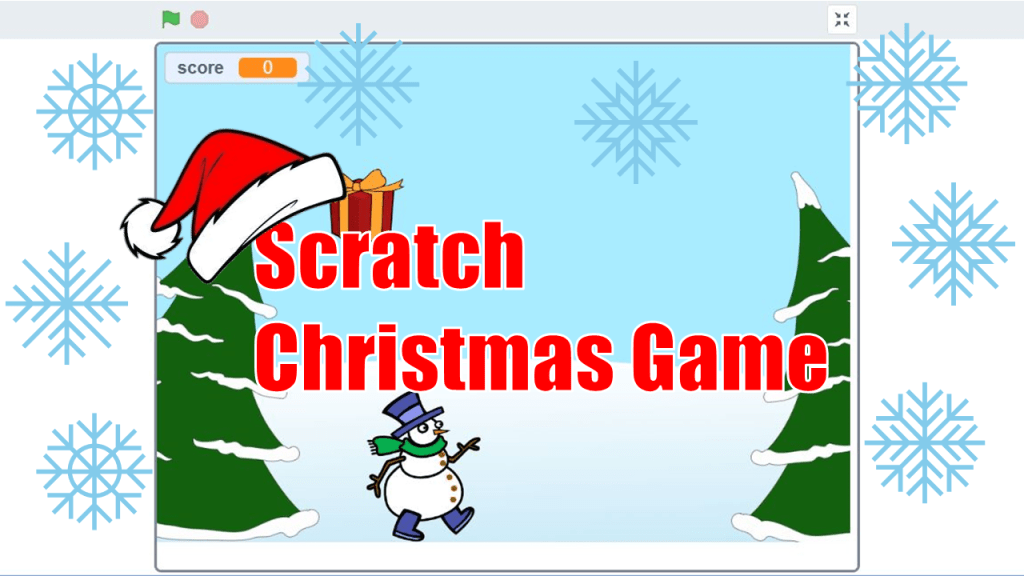
  • Scratch Christmas Game – Catch the Presents. You move the snowman with arrow keys to catch the presents as they fall, if he misses one it’s game over. This is a really simple game to create on Scratch, achievable for learners aged 8 upwards. (Due to popularity I have also added an extension video to add more features to the game HERE).
  • Scratch Christmas Game – Santa Dash Different Christmas themed objects come towards Santa that he has to jump. If an item hits Santa he looses a life, after three lives it is game over. The objects get faster on each multiple of 10. This is a little more complex than the catch the presents game but I think it’s still accessible to learners aged 8 upwards.
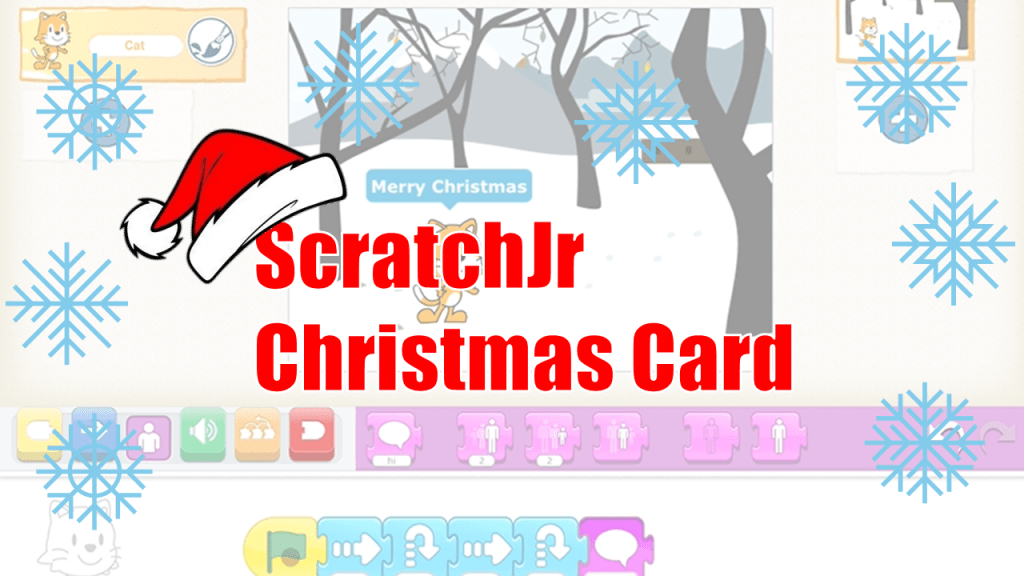
  • ScratchJr Christmas Card – In this video tutorial I show you how to make a Christmas Card in ScratchJr for the iPad. We look at moving the characters and make them say some Christmas messages. Suitable for learners aged 5-7.

I hope you enjoy using these resources with your learners. Have a great Christmas when it comes.

Mr Morrison 7/12/25 (Updated 16/12/25)
Maths with the micro:bit

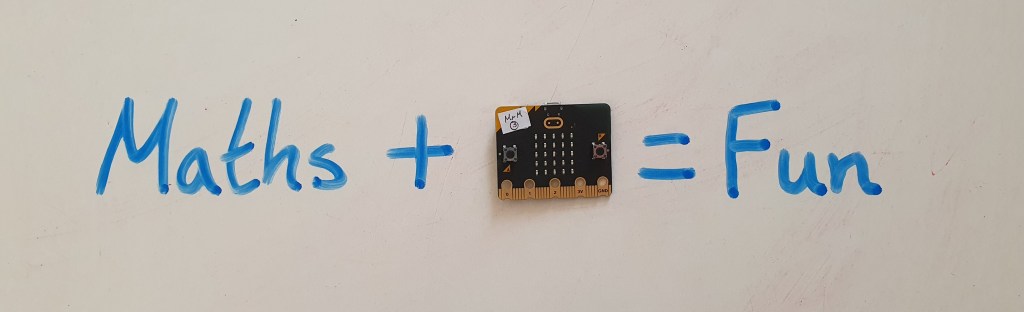
It is ‘Maths Week Scotland’ this week (22-28th September 2025) so I thought I would share some ideas for using the micro:bit in your maths lessons this week.

There are strong links between Maths and coding. Numbers form the building blocks of coding and mathematical operations are used in almost every program. Aside from the maths within the programs themselves you can code a variety of projects that can be used in maths lessons.

The ability for the micro:bit to store numbers allows you to create a variety of counters, the random number block allows you to create dice and the powerful data logging feature allows you to record real life data and analyse this on a computer.

I have chosen some projects at different levels to try. For all the projects below I have a full tutorial on YouTube as well as a link to the completed code. You can find my full micro:bit lesson resources HERE and subscribe to my YouTube channel for regular micro:bit videos HERE.

Simple Projects

Dice

The Dice is easy to create and can be used as you would a dice in any maths lessons. The bonus is it’s not going to roll away! You can also choose what range of numbers your dice displays, great if you don’t have access to dice with more than six sides.

You can find the code HERE.

Simple Counter

A micro:bit can store variables, numbers that can be referred to or changed by parts of the code. This allows you to create a range of counters in this project you increase the stored number by pressing the touch logo on the micro:bit.

You can find the code HERE.

Step Counter

This project builds on the same principle as the simple counter but uses the accelerometer as the input. This means when you shake the micro:bit the number increases creating a step counter.

You can find the code HERE.

Intermediate Projects

Times Tables Tester

This program will generate two random numbers (between 1 and 12) and display these as a question. It will then give you the answer. This is a great way for learners to practice their times tables.

You can find the code HERE.

Adjustable Dice

This dice involves a little more complex code but gives the ability to adjust the number of sides the dice has using the buttons on the micro:bit. It means you could do one activity that needs a dice with six sides followed by another that needs a dice with ten sides without recoding.

You can find the code HERE.

Data Analysis

The micro:bit can record real life data anywhere and analyse this on a computer or mobile device. There are two main ways to collect data with the micro:bit. You can manually collect data by pressing buttons to change variables (numbers) on the micro:bit. Alternatively you can set the micro:bit to log data (such as light, temperature and sound) automatically over time. The data can then be analysed on a computer and used to create graphs.

I have a full block of lesson on Data Analysis with the micro:bit which can be found HERE.


Maths Week Scotland is a celebration of the importance of maths in our everyday lives. You can find resources inspiration and challenges on the Maths Week Scotland website and across social media with the hashtag #MathsWeekScot.

Welcome to my blog…

Hello!

I have decided that I need a page for more blog like content on this site. I will sporadically create posts with ideas, tips and news here.

In just over a year this website has had more than 50k views and over 30k downloads of files. I must be doing something right! It’s brilliant to hear from educators across the world now using these resources. Thank you for all your support.

Since leaving my digital learning team job I have been busy with a variety of teaching roles. So I have not had a lot time to spare. However I did manage to attend the BETT conference in London which was such a fantastic few days of all things EdTech. I also recently presented at the ‘Scottish Mathematical Council Conference’ in Stirling.

I am hoping to add more to the site over the next few months. I have also been expanding my social media presence, I have a good following on Twitter/X, however with uncertainty over the future of the education community there I have also created an Instagram, BlueSky and Facebook Page. Please consider following me on these sites all links are at the bottom of the page.

My YouTube channel is where I host all the videos for this site, subscriber numbers, have been steadily growing, if you are not already subscribed I’d appreciate it. You will find it HERE. Monetisation there may help me with my goal to provide quality resources for free.

Finally I have setup a newsletter, if you would like to stay up to date, please subscribe. I hope to send out monthly updates once I have enough people subscribed.

Mr Morrison

26-5-25