
It’s that time of year again. For Christmas 2025 I have expanded my offering of Christmas themed digital resources. I have four lessons for micro:bit, a GarageBand Christmas song tutorial, two games for Scratch and a Christmas card tutorial for ScratchJr.
Christmas micro:bit Lessons

Over the past few years my Christmas micro:bit lessons have been proving popular. I now have four lessons all found HERE. They are:
- LED Christmas Trees – In this lesson learners create light up Christmas trees using LEDs connected to the micro:bit via the pins. These LEDs can then be programmed to follow a pattern.
- Coding Christmas Music – In this lesson learners use the music features of the micro:bit to create Christmas music.
- Coding Christmas Decorations – In this lesson learners create remote control Christmas decorations that can be hung on a tree and operated by a different micro:bit by radio.
- Coding a Snow Globe – In this lesson learners create a snow globe that displays an animation of snow when you shake the micro:bit. The snow slowly fades away until you shake it again.
GarageBand, Scratch and ScratchJr

This year I have created three more tutorials:
- GarageBand Christmas Song – I look at how to make different instruments sound festive and layering them to create a Christmas backing track. The track could then be used with vocals to create a song or create a backing track for a video. Achievable for learners aged 8 upwards.
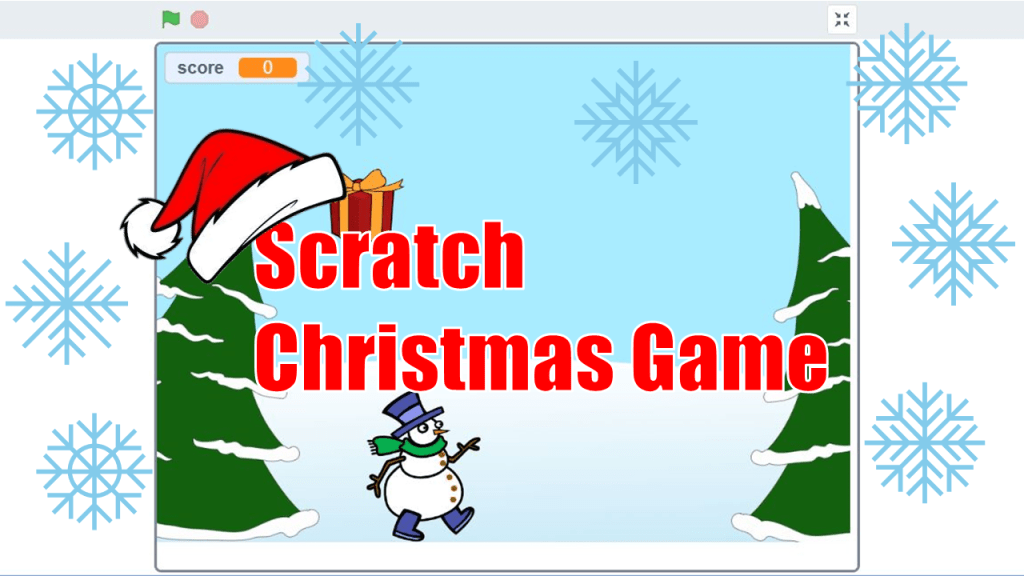
- Scratch Christmas Game – Catch the Presents. You move the snowman with arrow keys to catch the presents as they fall, if he misses one it’s game over. This is a really simple game to create on Scratch, achievable for learners aged 8 upwards. (Due to popularity I have also added an extension video to add more features to the game HERE).
- Scratch Christmas Game – Santa Dash Different Christmas themed objects come towards Santa that he has to jump. If an item hits Santa he looses a life, after three lives it is game over. The objects get faster on each multiple of 10. This is a little more complex than the catch the presents game but I think it’s still accessible to learners aged 8 upwards.
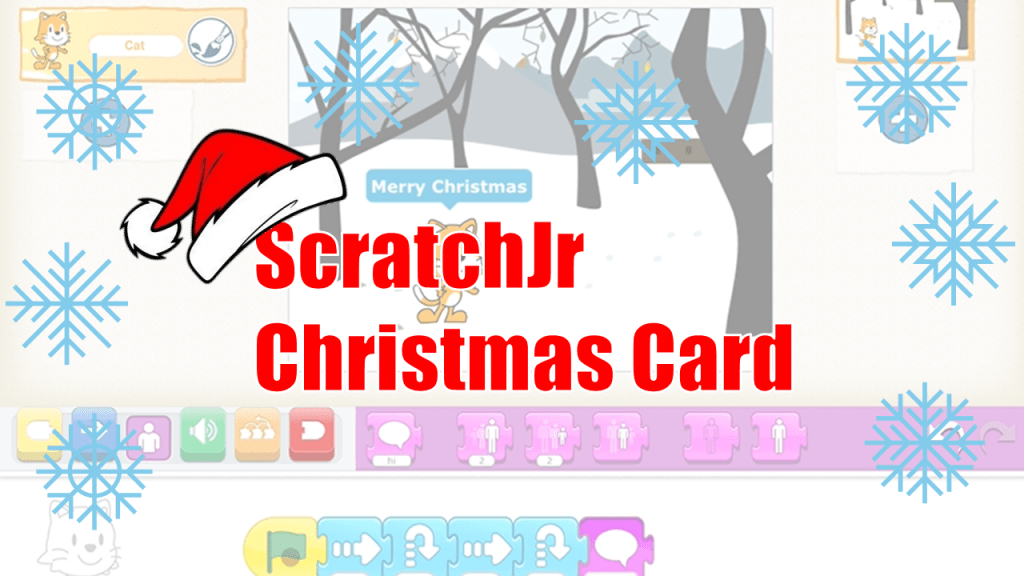
- ScratchJr Christmas Card – In this video tutorial I show you how to make a Christmas Card in ScratchJr for the iPad. We look at moving the characters and make them say some Christmas messages. Suitable for learners aged 5-7.
I hope you enjoy using these resources with your learners. Have a great Christmas when it comes.
Mr Morrison 7/12/25 (Updated 16/12/25)
 Mr Morrison