
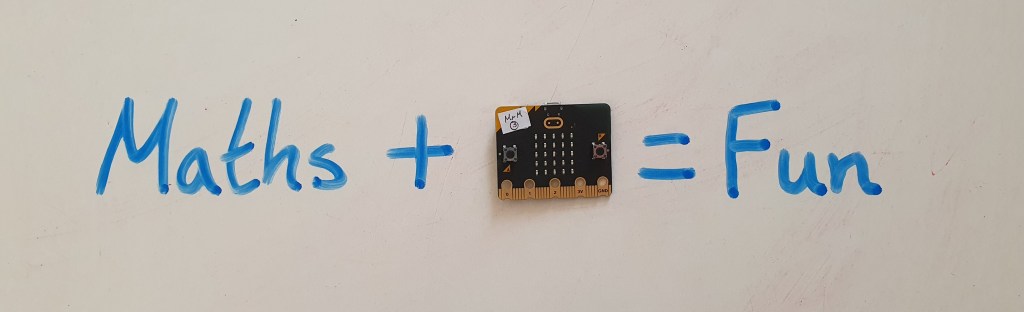
It is ‘Maths Week Scotland’ this week (22-28th September 2025) so I thought I would share some ideas for using the micro:bit in your maths lessons this week.
There are strong links between Maths and coding. Numbers form the building blocks of coding and mathematical operations are used in almost every program. Aside from the maths within the programs themselves you can code a variety of projects that can be used in maths lessons.
The ability for the micro:bit to store numbers allows you to create a variety of counters, the random number block allows you to create dice and the powerful data logging feature allows you to record real life data and analyse this on a computer.
I have chosen some projects at different levels to try. For all the projects below I have a full tutorial on YouTube as well as a link to the completed code. You can find my full micro:bit lesson resources HERE and subscribe to my YouTube channel for regular micro:bit videos HERE.
Simple Projects
Dice
The Dice is easy to create and can be used as you would a dice in any maths lessons. The bonus is it’s not going to roll away! You can also choose what range of numbers your dice displays, great if you don’t have access to dice with more than six sides.
You can find the code HERE.
Simple Counter
A micro:bit can store variables, numbers that can be referred to or changed by parts of the code. This allows you to create a range of counters in this project you increase the stored number by pressing the touch logo on the micro:bit.
You can find the code HERE.
Step Counter
This project builds on the same principle as the simple counter but uses the accelerometer as the input. This means when you shake the micro:bit the number increases creating a step counter.
You can find the code HERE.
Intermediate Projects
Times Tables Tester
This program will generate two random numbers (between 1 and 12) and display these as a question. It will then give you the answer. This is a great way for learners to practice their times tables.
You can find the code HERE.
Adjustable Dice
This dice involves a little more complex code but gives the ability to adjust the number of sides the dice has using the buttons on the micro:bit. It means you could do one activity that needs a dice with six sides followed by another that needs a dice with ten sides without recoding.
You can find the code HERE.
Data Analysis
The micro:bit can record real life data anywhere and analyse this on a computer or mobile device. There are two main ways to collect data with the micro:bit. You can manually collect data by pressing buttons to change variables (numbers) on the micro:bit. Alternatively you can set the micro:bit to log data (such as light, temperature and sound) automatically over time. The data can then be analysed on a computer and used to create graphs.

I have a full block of lesson on Data Analysis with the micro:bit which can be found HERE.
Maths Week Scotland is a celebration of the importance of maths in our everyday lives. You can find resources inspiration and challenges on the Maths Week Scotland website and across social media with the hashtag #MathsWeekScot.
 Mr Morrison